
 Admin
Admin 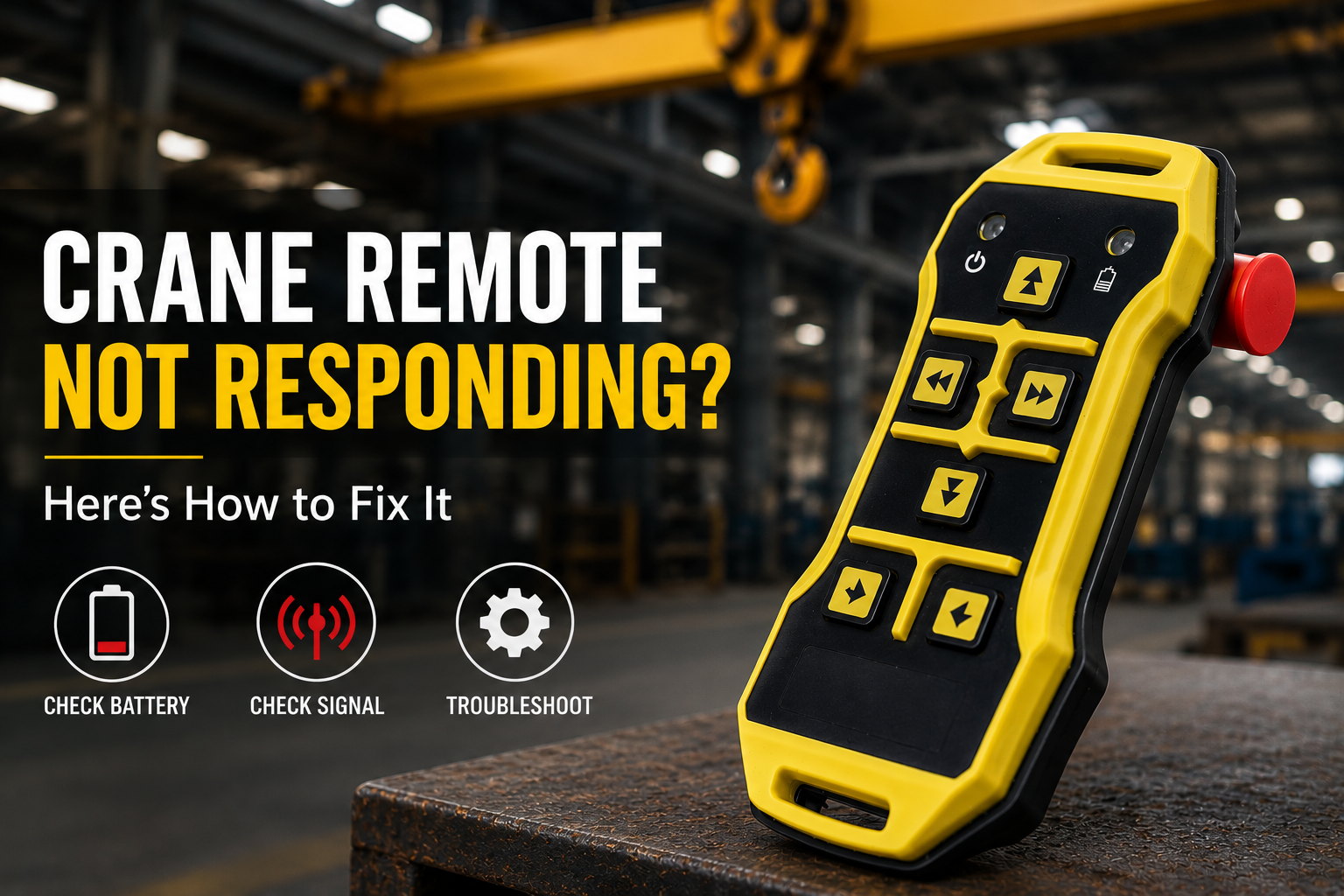
-
Admin
- 29 May 2026
Industrial cranes depend heavily on reliable remote control systems for safe and efficient operation. But what happens when your crane remote suddenly stops responding?
A non-responsive crane remote can slow down production, increase downtime, and create safety risks in factories, warehouses, fabrication units, and manufacturing plants. The good news is that many crane remote control issues can be identified and fixed quickly with proper troubleshooting.
In this guide, we’ll explain the most common reasons why a crane remote stops working and the practical steps you can take to restore normal operation safely.
A crane remote may stop responding because of low battery power, emergency stop activation, signal interference, receiver power issues, damaged push buttons, or frequency mismatch between the transmitter and receiver.
Before replacing the entire system, it is important to perform a step-by-step inspection to identify the actual cause of the problem.
Common Reasons Why a Crane Remote Is Not Responding
1. Low or Dead Battery
One of the most common causes of crane remote failure is weak battery power.
Signs of battery-related issues include:
- Delayed crane response
- Weak signal transmission
- Intermittent operation
- Flashing low battery indicators
Always check the battery condition first before moving to advanced troubleshooting.
Solution
- Replace old batteries with recommended industrial-grade batteries
- Ensure battery terminals are clean
- Verify proper battery installation
2. Emergency Stop Button Is Activated
Many operators accidentally leave the emergency stop button engaged.
When the emergency stop is active:
- The crane will not respond
- The transmitter signal may remain blocked
- Receiver safety systems prevent operation
Solution
- Release the emergency stop button properly
- Restart the transmitter if required
- Verify system reset procedures
3. Signal Interference Problems
Wireless crane remote systems can sometimes face radio frequency interference in industrial environments.
Common interference sources include:
- Heavy electrical equipment
- Metal structures
- Nearby wireless devices
- Multiple RF systems operating together
Signal interference may reduce communication between the transmitter and receiver.
Solution
- Move closer to the crane receiver
- Inspect antenna condition
- Change operating frequency if supported
- Reduce nearby RF interference sources
4. Receiver Power Supply Issues
If the crane receiver does not receive proper power, the remote system cannot function correctly.
Possible causes:
- Loose wiring connections
- Voltage fluctuations
- Damaged receiver components
- Power supply failure
Solution
- Inspect receiver wiring carefully
- Check power indicators and LED status
- Verify proper voltage supply
- Contact qualified technicians for electrical inspection
5. Damaged Push Buttons or Internal Components
Industrial crane remotes operate in harsh conditions including dust, vibration, moisture, and heat.
Over time, this can damage:
- Push buttons
- Internal circuits
- Contacts
- Control boards
Solution
- Inspect buttons for physical wear
- Test button responsiveness
- Replace damaged components if necessary
If the remote housing is cracked or severely worn, replacement may be recommended.
6. Pairing or Frequency Mismatch
Some wireless crane remote systems require proper pairing between the transmitter and receiver.
If the frequency settings become mismatched:
- The crane may stop responding completely
- Signals may fail intermittently
Solution
- Re-pair the transmitter and receiver
- Reset frequency settings
- Follow manufacturer programming instructions
Step-by-Step Crane Remote Troubleshooting Guide
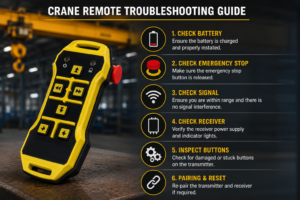
Follow these steps safely before requesting repairs or replacement.
Step 1: Check Battery Condition
Replace weak batteries and inspect battery contacts.
Step 2: Inspect Emergency Stop Button
Ensure the emergency stop switch is fully released.
Step 3: Verify Receiver Power
Check receiver indicators, wiring, and electrical supply.
Step 4: Test Signal Range
Move closer to the crane and test remote responsiveness.
Step 5: Inspect Buttons and Controls
Check for damaged push buttons or loose components.
Step 6: Restart and Re-Pair the System
Reset the transmitter and receiver if your system supports pairing.
Step 7: Contact Technical Support
If the issue continues, professional inspection may be required.
Need Expert Help?
If your crane remote still does not respond after basic troubleshooting, contact the technical team at SRP Remote for assistance with repair, replacement, or system upgrades.
Important Safety Tips Before Troubleshooting
Safety should always come first when working with industrial crane control systems.
Before troubleshooting:
- Turn off crane power when required
- Avoid live electrical repairs
- Use trained technicians only
- Follow manufacturer safety guidelines
- Never bypass safety systems
Improper handling can create serious safety risks for operators and nearby workers.
When Should You Replace a Crane Remote Control?
In some situations, repairing the system may not be the best option.
Consider replacement if:
- The remote fails repeatedly
- Spare parts are unavailable
- Signal reliability becomes poor
- Internal damage is severe
- The system lacks modern safety features
Upgrading to a reliable wireless crane remote control system can improve operational safety, reduce downtime, and increase efficiency.
Benefits of Using Reliable Industrial Crane Remote Systems
Modern crane remote systems offer several advantages for industrial operations.
Improved Safety
Operators can control cranes from safer positions with better visibility.
Better Productivity
Wireless systems reduce movement restrictions and improve workflow.
Reduced Downtime
Reliable systems help minimize unexpected operational failures.
Easy Operation
Modern industrial remote controls are designed for user-friendly handling.
For heavy-duty industrial applications, choosing a high-quality control system is essential for long-term performance.
Common Industries Facing Crane Remote Problems
Crane remote control issues are commonly reported in:
- Steel plants
- Manufacturing industries
- Warehouses
- Fabrication workshops
- Material handling facilities
- Engineering units
Harsh industrial environments often increase wear on crane control systems over time.
Frequently Asked Questions
Why is my crane remote blinking but not working?
A blinking indicator may signal low battery power, pairing issues, or communication failure between the transmitter and receiver.
How do I reset a wireless crane remote?
Most systems can be reset by restarting the transmitter, checking the emergency stop, and following the manufacturer pairing instructions.
Can signal interference stop a crane remote from working?
Yes. Nearby RF devices, heavy electrical systems, and industrial structures can interfere with wireless crane remote signals.
How long do crane remote batteries last?
Battery life depends on usage conditions, operating hours, and battery quality. Regular inspection is recommended.
When should I replace my crane remote control system?
If the system frequently fails, becomes unreliable, or lacks modern safety features, replacement may be the better option.
Need Expert Help with Crane Remote Systems?
If your crane remote is still not responding after troubleshooting, professional support may be required.
SRP Remote provides reliable industrial wireless crane remote control systems, pendant stations, spare parts, and technical support for various industrial applications across India.
Explore:
- Wireless crane remote systems
- Pendant stations
- Push button stations
- Industrial crane control solutions
For technical support or product enquiries, visit:
Contact SRP Remote